Free test sheet
Before you trust an automation: the 12-check test sheet
Twelve checks to run before an automation touches real records.
Each one says what to do, what a pass looks like and what a failure looks like.
Built with AI assistance. Reviewed by a person, tested by our own test suites.
Download the one-page PDFA4, one page, the same twelve checks.
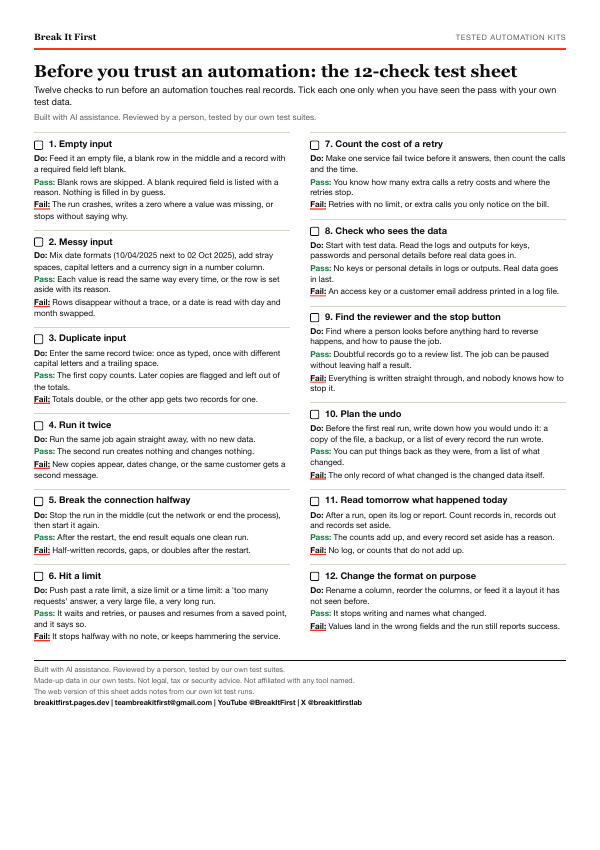 One-page PDF
-
Empty input
- What to do
- Feed it an empty file, a blank row in the middle and a record with a required field left blank.
- Pass looks like
- Blank rows are skipped. A blank required field is listed with a reason. Nothing is filled in by guess.
- Failure looks like
- The run crashes, writes a zero where a value was missing, or stops without saying why.
-
Messy input
- What to do
- Mix date formats (10/04/2025 next to 02 Oct 2025), add stray spaces, capital letters and a currency sign in a number column.
- Pass looks like
- Each value is read the same way every time, or the row is set aside with its reason.
- Failure looks like
- Rows disappear without a trace, or a date is read with day and month swapped.
-
Duplicate input
- What to do
- Enter the same record twice: once as typed, once with different capital letters and a trailing space.
- Pass looks like
- The first copy counts. Later copies are flagged and left out of the totals.
- Failure looks like
- Totals double, or the other app gets two records for one.
-
Run it twice
- What to do
- Run the same job again straight away, with no new data.
- Pass looks like
- The second run creates nothing and changes nothing.
- Failure looks like
- New copies appear, dates change, or the same customer gets a second message.
-
Break the connection halfway
- What to do
- Stop the run in the middle (cut the network or end the process), then start it again.
- Pass looks like
- After the restart, the end result equals one clean run.
- Failure looks like
- Half-written records, gaps, or doubles after the restart.
-
Hit a limit
- What to do
- Push past a rate limit, a size limit or a time limit: a 'too many requests' answer, a very large file, a very long run.
- Pass looks like
- It waits and retries, or pauses and resumes from a saved point, and it says so.
- Failure looks like
- It stops halfway with no note, or keeps hammering the service.
-
Count the cost of a retry
- What to do
- Make one service fail twice before it answers, then count the calls and the time.
- Pass looks like
- You know how many extra calls a retry costs and where the retries stop.
- Failure looks like
- Retries with no limit, or extra calls you only notice on the bill.
-
Check who sees the data
- What to do
- Start with test data. Read the logs and outputs for keys, passwords and personal details before real data goes in.
- Pass looks like
- No keys or personal details in logs or outputs. Real data goes in last.
- Failure looks like
- An access key or a customer email address printed in a log file.
-
Find the reviewer and the stop button
- What to do
- Find where a person looks before anything hard to reverse happens, and how to pause the job.
- Pass looks like
- Doubtful records go to a review list. The job can be paused without leaving half a result.
- Failure looks like
- Everything is written straight through, and nobody knows how to stop it.
-
Plan the undo
- What to do
- Before the first real run, write down how you would undo it: a copy of the file, a backup, or a list of every record the run wrote.
- Pass looks like
- You can put things back as they were, from a list of what changed.
- Failure looks like
- The only record of what changed is the changed data itself.
We have not tested undo in our own kits yet, so there is no note from our runs here.
-
Read tomorrow what happened today
- What to do
- After a run, open its log or report. Count records in, records out and records set aside.
- Pass looks like
- The counts add up, and every record set aside has a reason.
- Failure looks like
- No log, or counts that do not add up.
-
Change the format on purpose
- What to do
- Rename a column, reorder the columns, or feed it a layout it has not seen before.
- Pass looks like
- It stops writing and names what changed.
- Failure looks like
- Values land in the wrong fields and the run still reports success.
Have an automation you do not trust yet?
Want one of these checks run on your own automation, or a tested kit for your shop? Email [email protected] or send a DM to @breakitfirstlab on X.